
Cancelled Orders: Multiple Models in One File
When you upload a file to Craftcloud® to 3D print it, the project may require reevaluation. This is because, while a model may be composed of different parts, each segment has to be uploaded as an individual file.
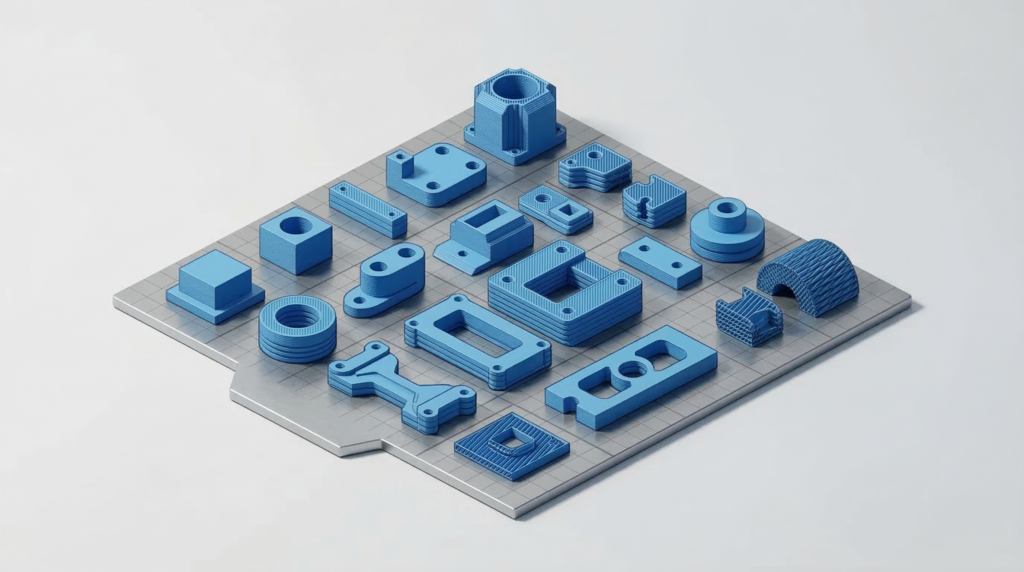
Imagine that you want to 3D print a dinosaur, with the rock and base it stands on in different colors. If you include everything in one file, all parts will be 3D printed at once, in the same material.
Additionally, if the parts are meant to be assembled, they might need to be oriented in a specific way – which is critical if they have sockets that have to maintain perfect clearances for the right fit. Because manufacturers can’t ungroup parts in a file, there is no possibility of them adjusting or reorienting the parts. This is also relevant when you consider how (namely in FDM and SLA 3D printing) adjacent parts can have layer lines in different directions, which would affect the visual continuity of the model once it is assembled.
Another aspect to consider is that, if multiple parts are in one file, should there be any printing issues that lead to an individual part failure, the error can lead to the other segments being ruined as well.
Finally, your quote may be significantly higher than expected. Most software calculates price based on the “Bounding Box” – the total volume the parts occupy – meaning that you end up paying for the empty space between the parts as if it were all solid material.
So, if you want to split your model so that you can take advantage of different materials for different parts (such as transparent PETG for Godzilla’s spikes), take a look at All3DP’s guide on how to do it.
For additional information on why you want (and have to) split your model into individual files and some more tips, read more in our Knowledge Base & Help Center.